Automated AI Security Review Released
· One min read

Takumi New Feature Release
Until now, it was up to users to prepare prompts for Takumi to execute on. Now, with the Active Takumi Security Review feature, preparing prompts is no longer necessary!
In addition, the execution for the security review is closely monitored by our team for maximum effectiveness.
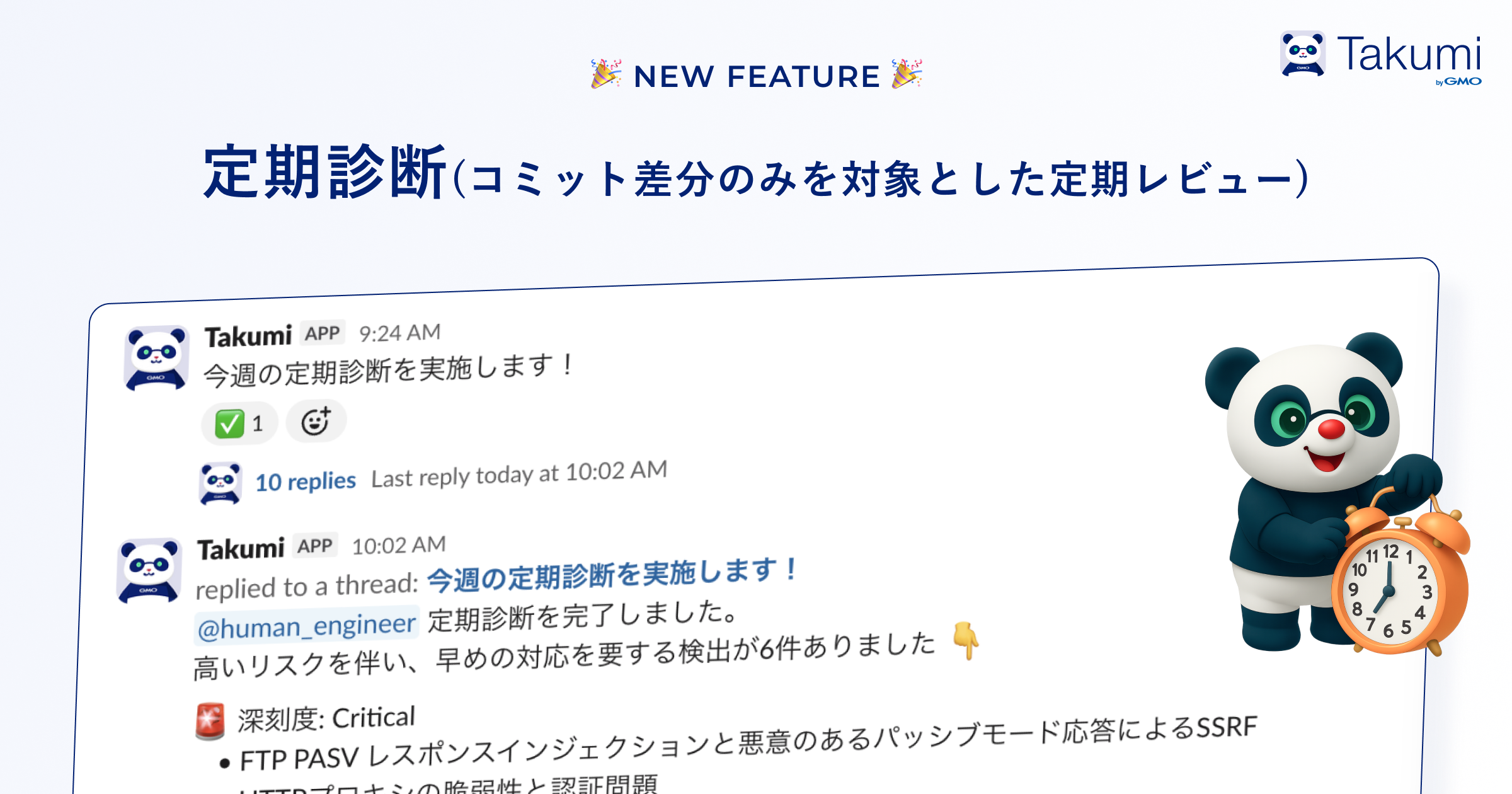
Overview
This feature can be set from Shisho Cloud by GMO by navigating to Settings > Takumi and enabling it in the Active Takumi section. Takumi will then execute the security review according to the schedule set.
Once the security review is complete, Takumi will send the report to Slack.
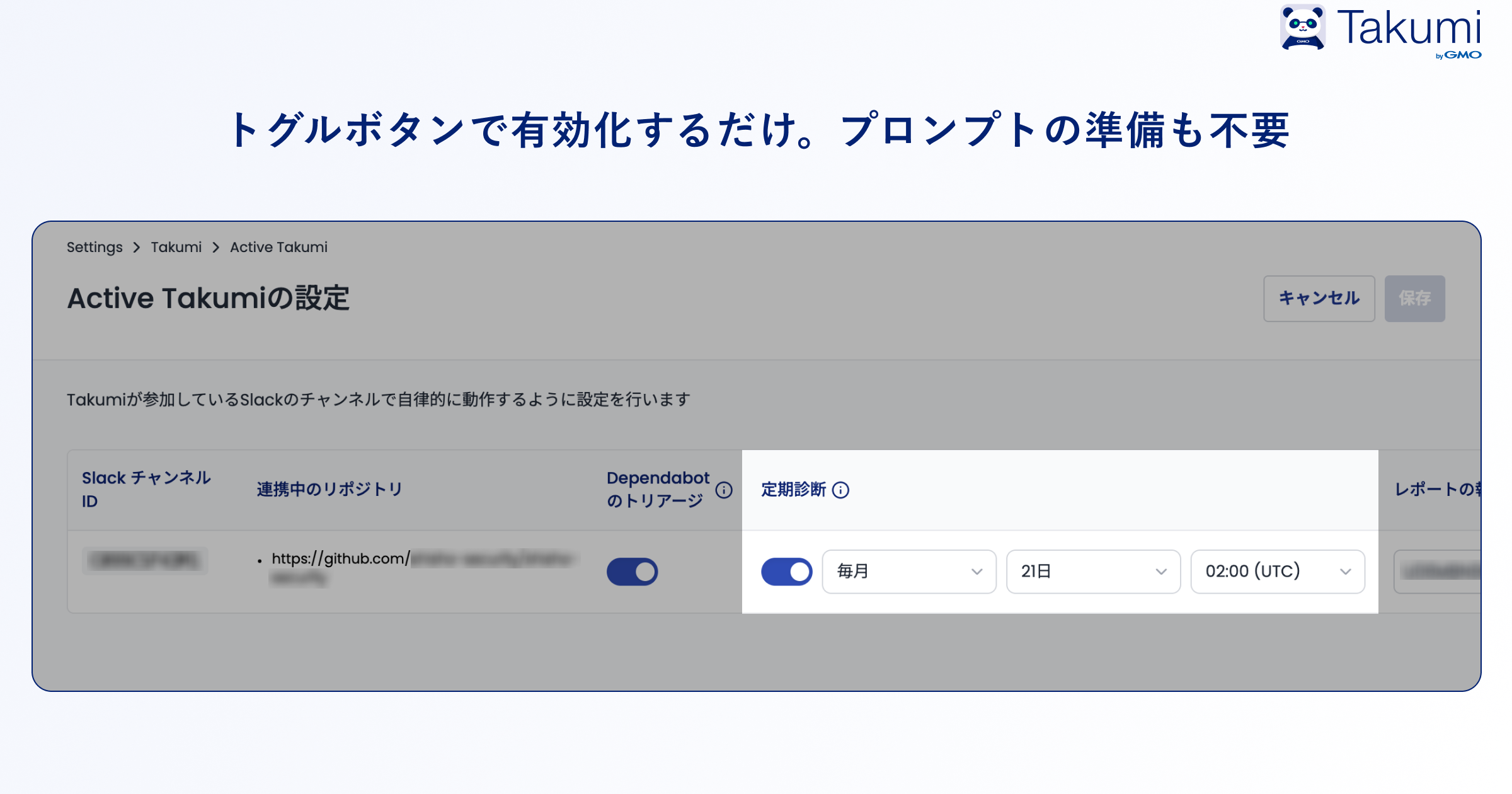
Getting Started
Takumi users can start using this feature immediately. Please make use of it!
▼ User Guide Takumi User Guide
▼ About Takumi byGMO Takumi byGMO Official Page