Bot Authentication with API Keys Released

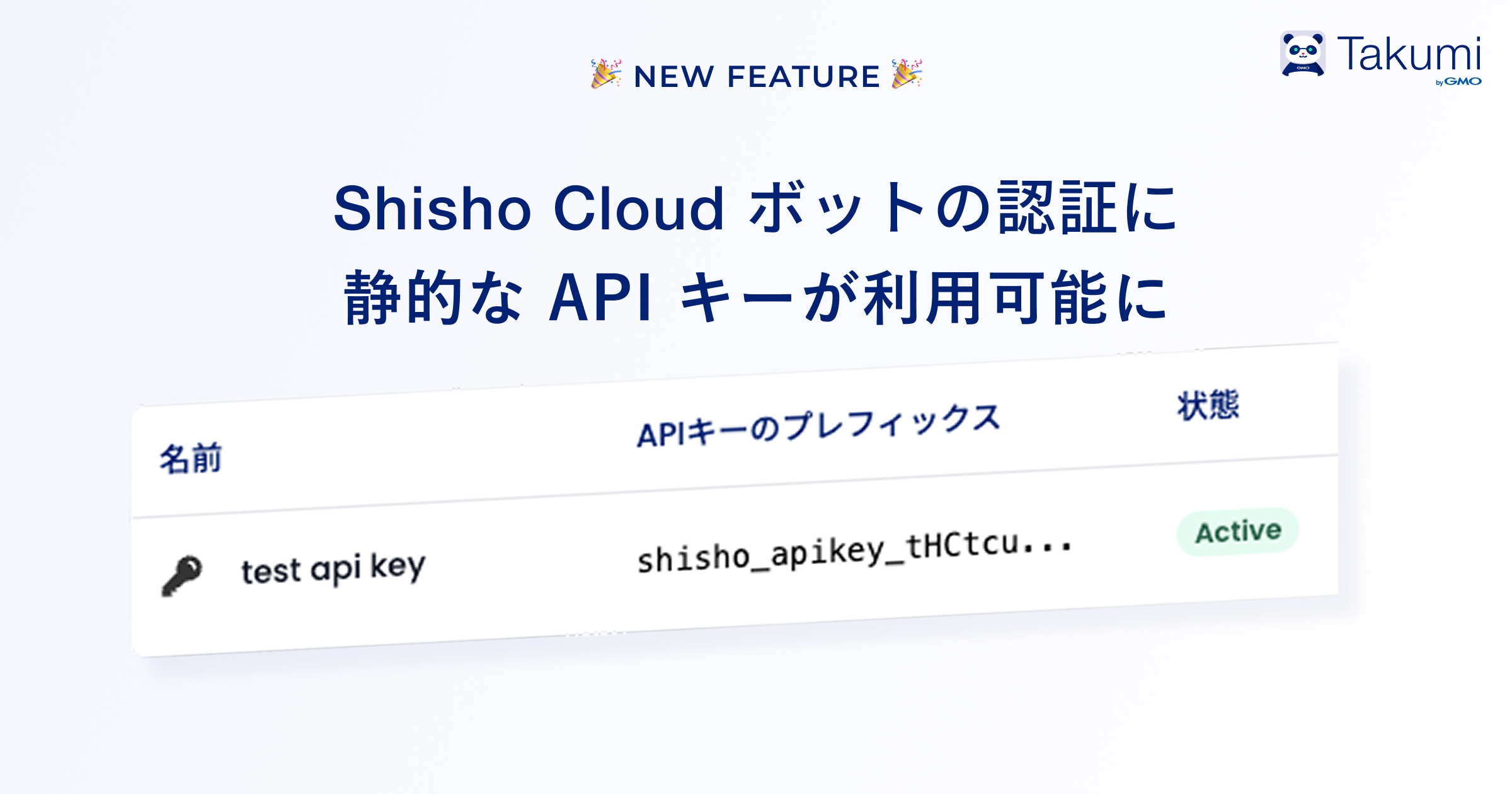
Shisho Cloud bots can now use static API keys for authentication.
Bot authentication previously only supported keyless authentication (OpenID Connect) for GitHub Actions and GitLab CI. This release enables static API key authentication, allowing access from a wider range of platforms.
If you use Jenkins, GitHub Enterprise Server, or other platforms not currently supported by Shisho Cloud's trust condition feature, please use this API key authentication.
Overview
API key bot authentication allows you to issue static credentials (API keys) for the shishoctl CLI from Shisho Cloud. You can use shishoctl CLI as a bot from any environment that can store API keys.
Authentication Methods Comparison
Shisho Cloud recommends different authentication methods based on your environment.
| Environment | Recommended Authentication Method |
|---|---|
| GitHub Actions | Trust Conditions (OIDC) |
| GitLab CI | Trust Conditions (OIDC) |
| Other CI/CD environments | API Key |
Getting Started
Step 1: Create a Bot and Issue an API Key
API keys are associated with bots. If you haven't created a bot yet, create one first:
- Access the bot list page
- Create a new bot using the "Add Bot" button
Once created, issue an API key:
- Access the bot list page
- Click the bot name to open its detail page
- In the API Key tab, click "Create API Key" to generate a new API key
API keys are shown only once at creation. They cannot be retrieved later, so save them in a secure location when created.
Step 2: Sign in with the API Key
Authenticate using this command:
shishoctl auth signin:bot \
  --bot <Bot ID> \
  --api-key-json "$(cat api-key.json)"
The api-key.json file format:
{
  "api_key": "shisho_apikey_..."
}
Or specify the API key directly:
shishoctl auth signin:bot \
  --bot <Bot ID> \
  --api-key-json '{"api_key":"shisho_apikey_..."}'
Step 3: Start Using shishoctl
Once authenticated, use shishoctl commands normally:
shishoctl workflow list -o <organization-id>
Security Best Practices
Like typical SaaS API keys, leaked bot API keys can compromise data in Shisho Cloud. Handle them securely:
- Do not expose API keys publicly. Never commit them to public repositories like GitHub.
- Even in private areas, use secure storage. For example, use GitHub Actions' secret management instead of including keys directly in repositories.
- Delete unused API keys promptly.
Related Resources
For more details on bot authentication and shishoctl usage: