Dependabot AI Triage Now Available on Web Console
· 2 min read

Takumi New Feature Release
Dependabot AI Triage is now available on the web console.
View and manage all your Dependabot triage results directly from your browser - no Slack required.
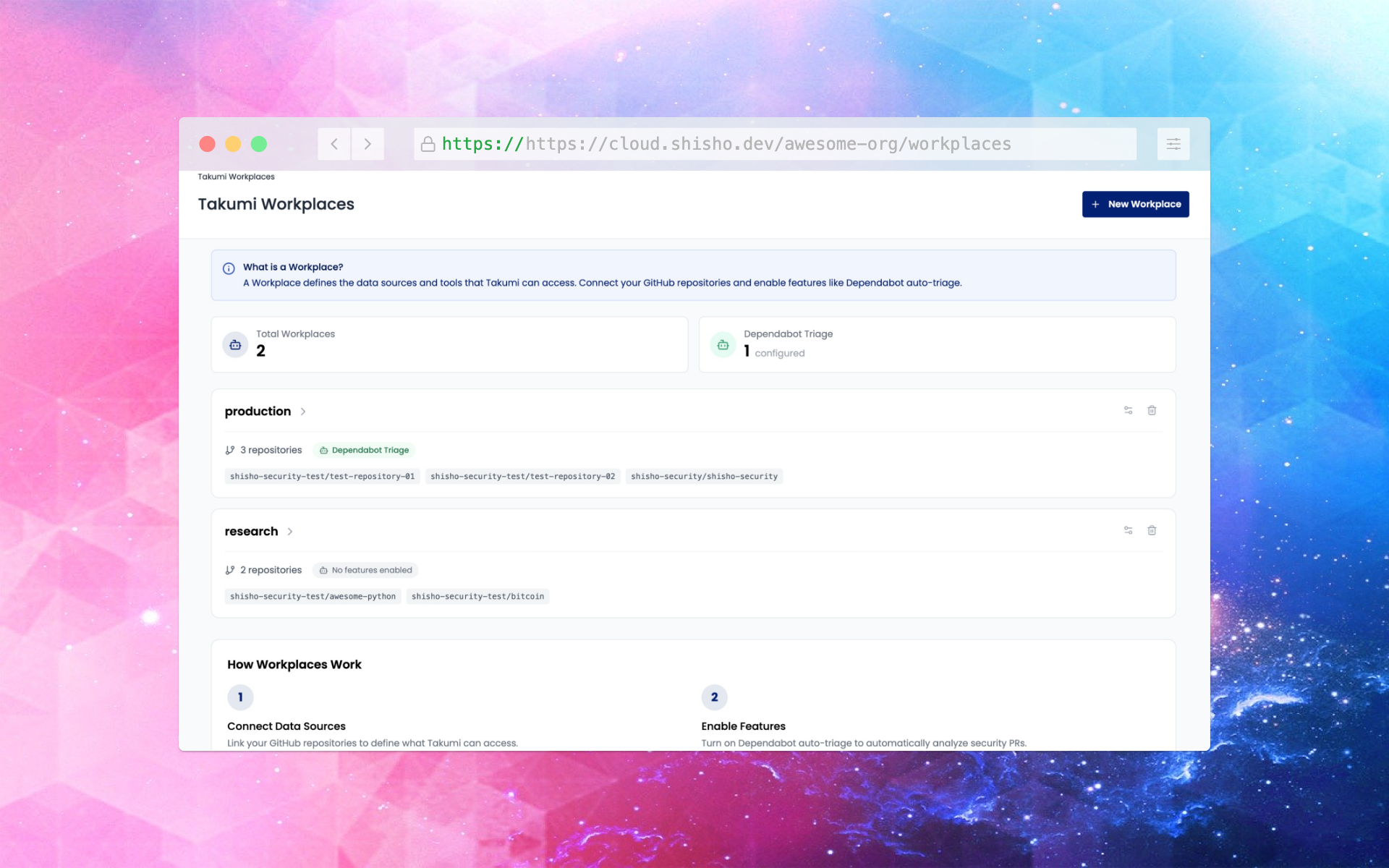
Overview
The same powerful AI triage you know from Slack is now accessible via the web console through Workplaces.
- Create a Workplace - Group your GitHub repositories
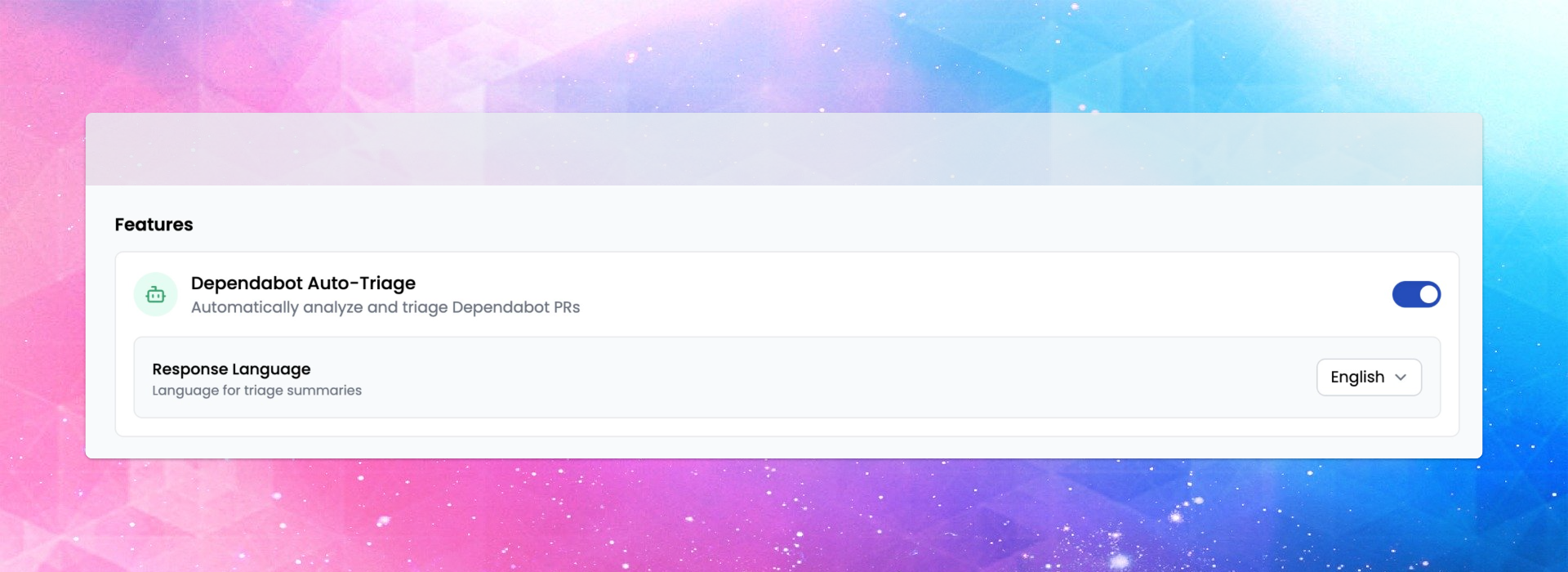
- Enable Dependabot Auto-Triage - Configure per Workplace
- View Results on Web - Access the dashboard anytime
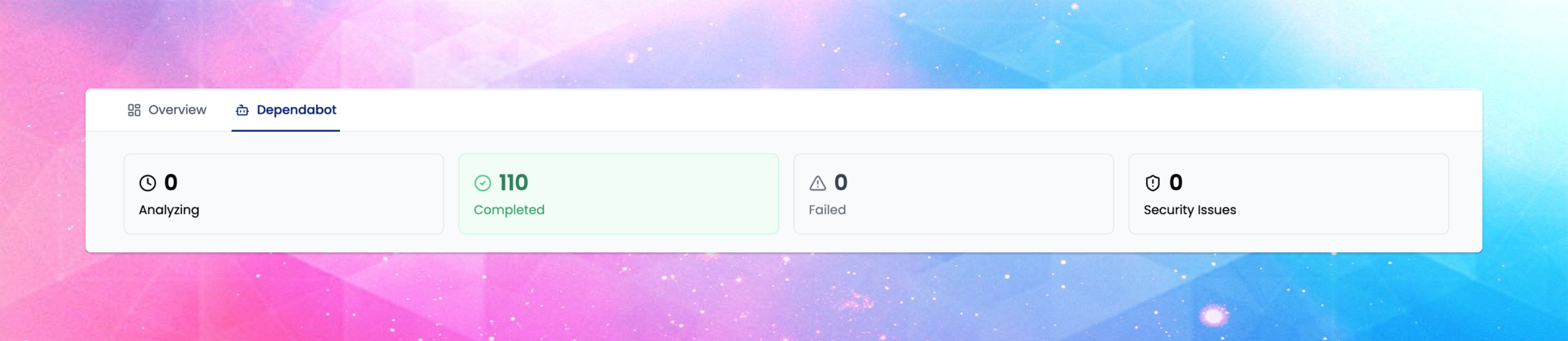
Web Dashboard Features
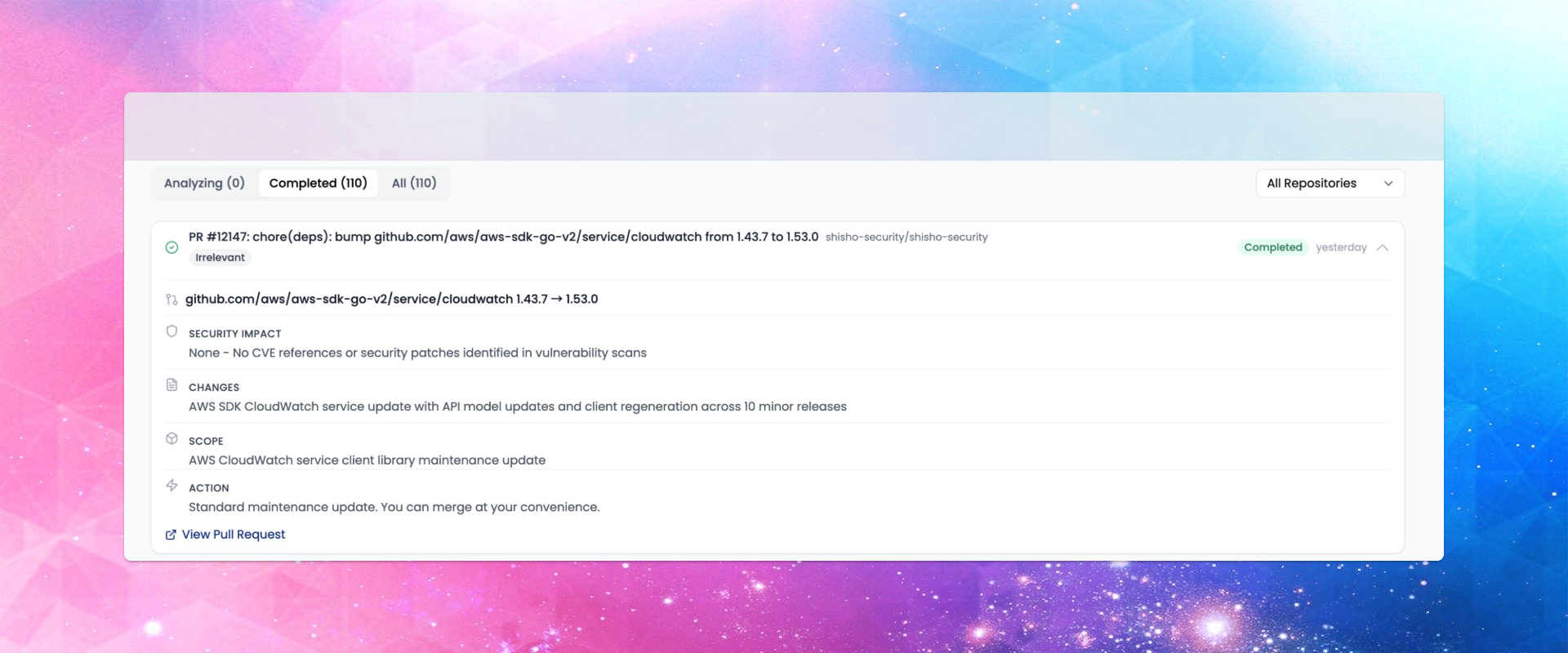
The new Dependabot dashboard provides:
- Real-time Statistics - Track Analyzing, Completed, Failed, and Security Issues at a glance
- Filter by Status - Focus on what needs attention
- Filter by Repository - When you have multiple repos in a Workplace
- Structured Analysis - Vulnerability info, risk assessment, usage context, and action recommendations
Configure Dependabot Auto-Triage settings per Workplace, including response language.
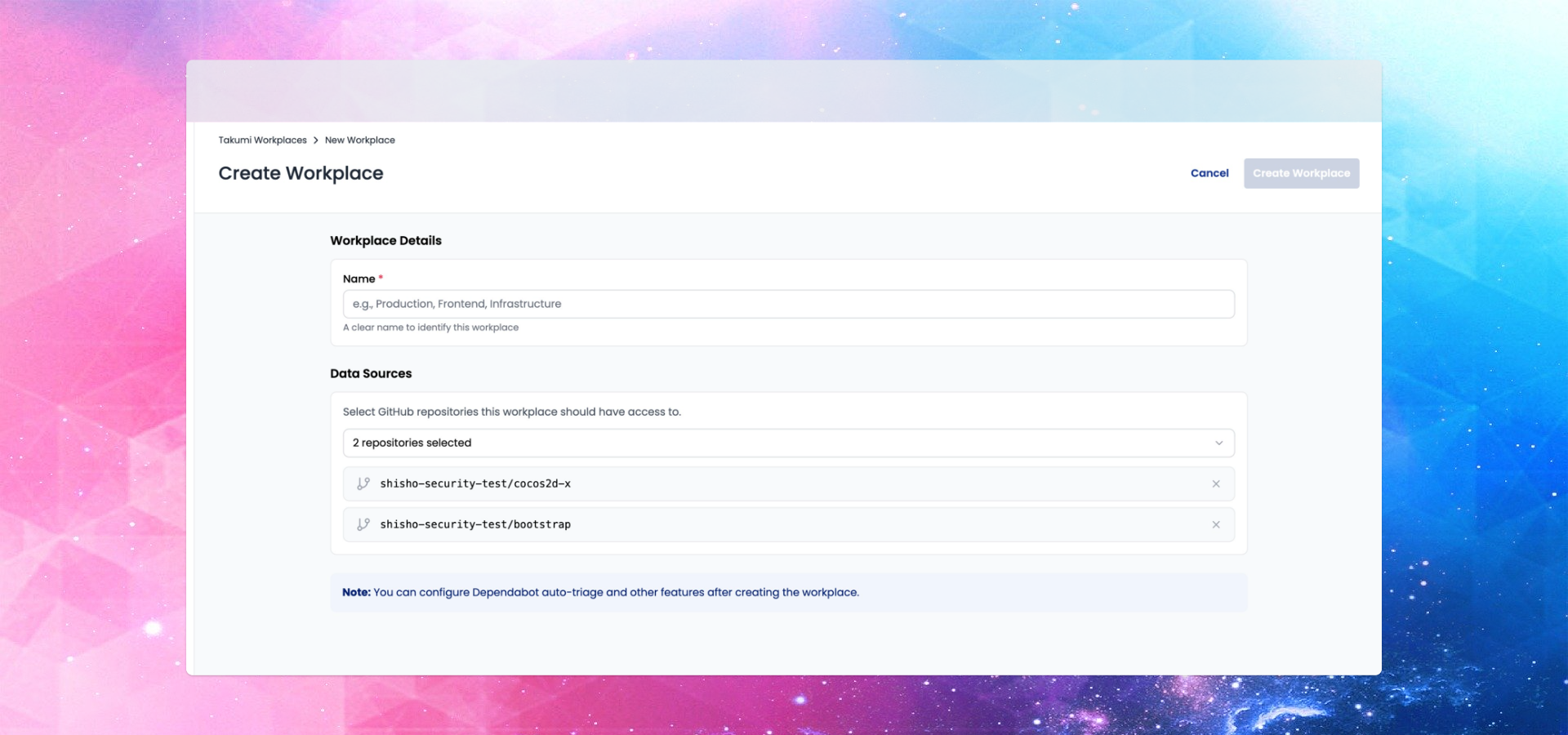
What is a Workplace?
A Workplace defines the repositories that Takumi can access. Connect your GitHub repositories and enable features like Dependabot Auto-Triage.
- Group repositories by team, project, or however you prefer
- Configure features per Workplace
Getting Started
Takumi users can start using this feature immediately!
- Click Workplaces in the sidebar navigation
- Create a new Workplace and select repositories
- Enable Dependabot Auto-Triage
- View results in the Dependabot tab