Migrating Takumi Web Chat Scope Selection to Takumi Workplace-Based

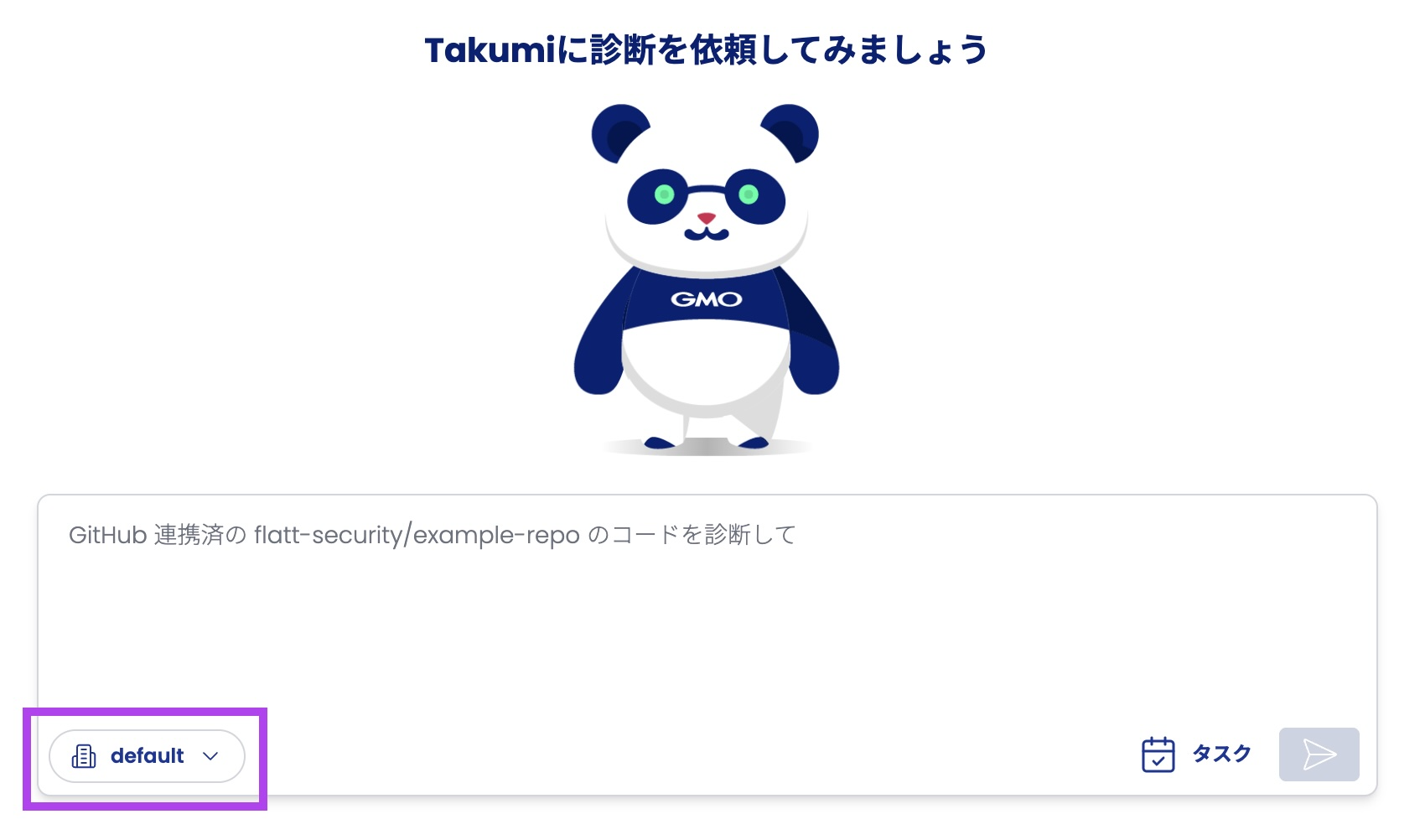
In the web version of Takumi, you can now select GitHub repositories through Takumi Workplace.
Additionally, with this change, existing scope definitions have been migrated to the Takumi Workplace default.
Background
Previously, Takumi Web Chat scopes (the list of repositories Takumi can view) were shared across the entire organization and used in multiple chats. This behavior could cause complications when used by multiple users.
Details
Takumi Web Chat scope selection has been migrated from direct repository selection to Takumi Workplace selection. This allows you to manage multiple scopes while still restricting the repositories Takumi can view within chat sessions as before.
Additionally, existing selected scopes have been automatically migrated to a workplace named default.
Therefore, no special action is required to continue using it as before.
As a result, scope operations change as follows:
| Goal | Previous Operation Method | New Operation Method |
|---|---|---|
| Want Takumi to see a repository in chat | Directly select and add repository | Change workplace repository associations to use |
| Want Takumi to not see a repository in chat | Directly select and exclude repository | Change workplace repository associations to use |
| Want to define repositories visible to Takumi in chat without affecting other users in the organization | Impossible | Create and use a workplace |
When You Want to Change Scopes
Please select the Takumi Workplace associated with the necessary GitHub repository from the dropdown menu.
When You Want to Create or Change a Workplace
To change the repositories visible to Takumi in chat, you need to create or modify a workplace. New workplaces can be created by going to the sidebar navigation Workplaces, and then clicking on the Create New button. Updates can be made through the workplace details page.
Note that creating a new workplace (for example, when you want to prepare chat scopes grouped by product) or changing repositories associated with an existing workplace requires Takumi administrator privileges. This is equivalent to the privileges that previously allowed changing chat scopes.
How to Start Using
This feature is available to all Takumi by GMO users.