Chat
The English user guide is currently in beta preview. Most of the documents have been automatically translated from the Japanese version. Should you find any inaccuracies, please reach out to Flatt Security.
While Takumi has dedicated web screens for tasks it particularly excels at (e.g., Blackbox Assessment), you can also give it a wide range of tasks via chat.
For capabilities available through the web console — the assessments, autofix, and vulnerability verification — we recommend running them from there. For those capabilities we manage the harness, agent composition, and so on ourselves, tuned for each workload, so tasks run with consistent coverage and accuracy. The results are also kept as a structured report, which makes reviewing findings and carrying them into a re-assessment or autofix straightforward.
Use chat as the alternative for the wide range of tasks that have no dedicated capability.
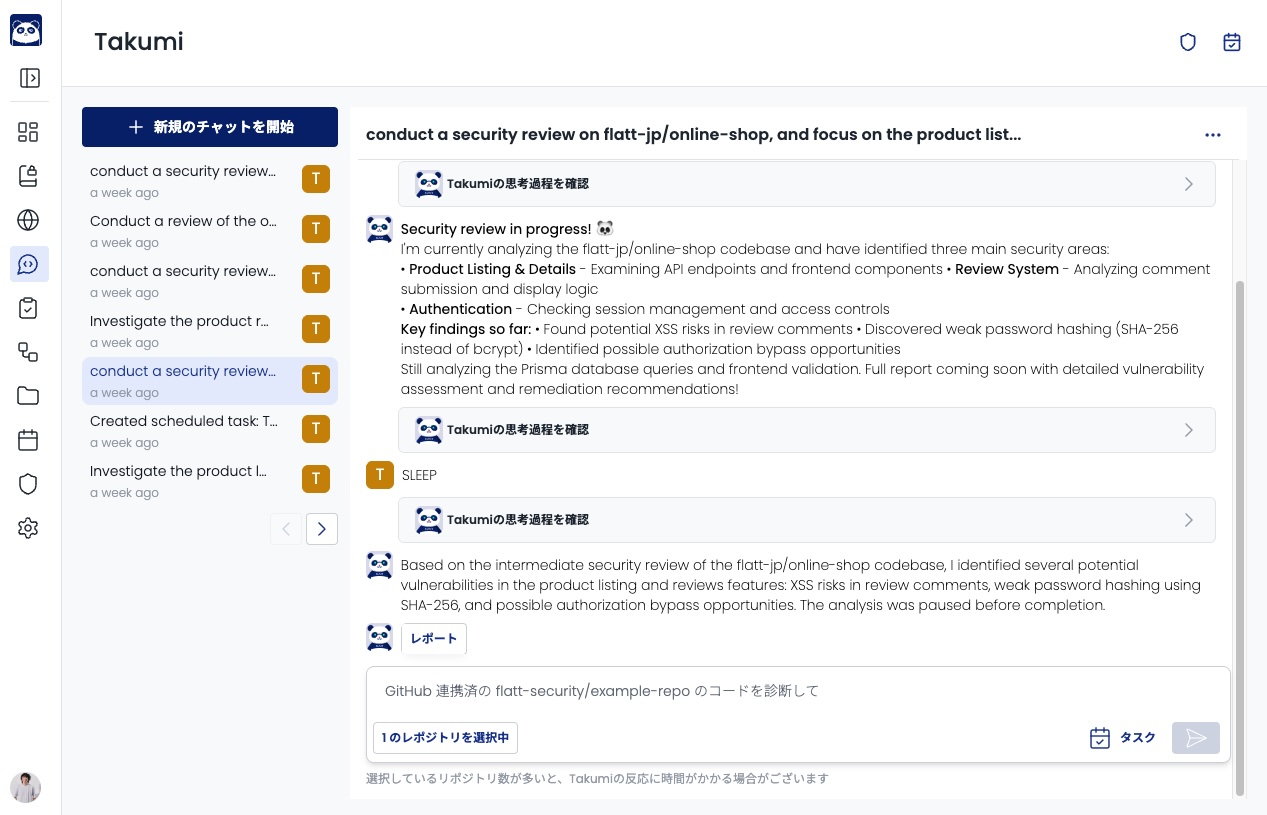
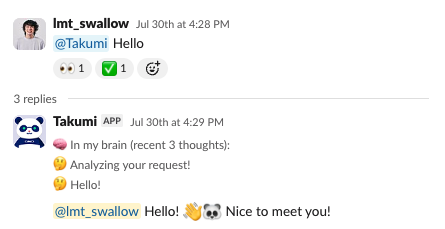
What You Can Do with Chat Instructions
From the chat interface, you can give instructions such as:
- Have it assess source code
- Have it suggest code fixes
When giving instructions from a screen that allows file uploads (e.g., Slack), you can also reference the contents of files.