Getting Started
The English user guide is currently in beta preview. Most of the documents have been automatically translated from the Japanese version. Should you find any inaccuracies, please reach out to Flatt Security.
This page walks through the steps to start using Takumi byGMO and how to pick up each capability. Reading this single page is enough to see how Takumi adoption flows end-to-end.
1. Sign up for Shisho Cloud
Takumi features are scoped to organizations in Shisho Cloud. Start by registering a user and creating an organization from the sign-up page.
For background on what an organization is and how roles and membership work, see Organizations.
2. Subscribe to the Base Subscription
Once you have signed up, attach a base subscription to your organization. The base subscription is a monthly fixed fee and is the prerequisite for using the Takumi feature set inside an organization. It also includes the monthly credit allowance and the free quotas for Guard and Runner.
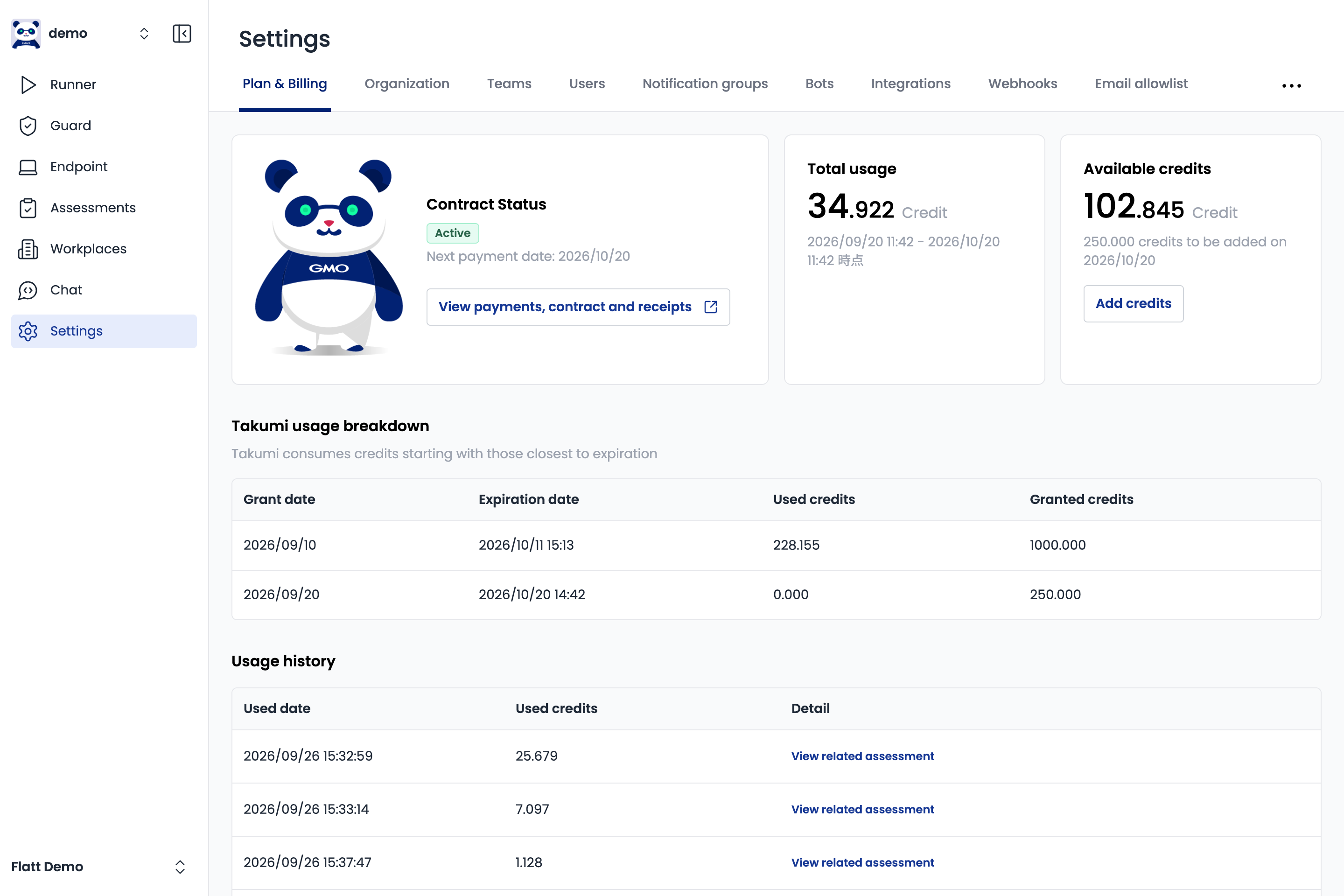
For the full purchase flow, included quotas, and pricing structure, see Subscribing to a Plan.
3. Try the Takumi Features
Once sign-up and subscription are in place, pick the feature that matches what you want to try first. Each capability has its own quickstart.
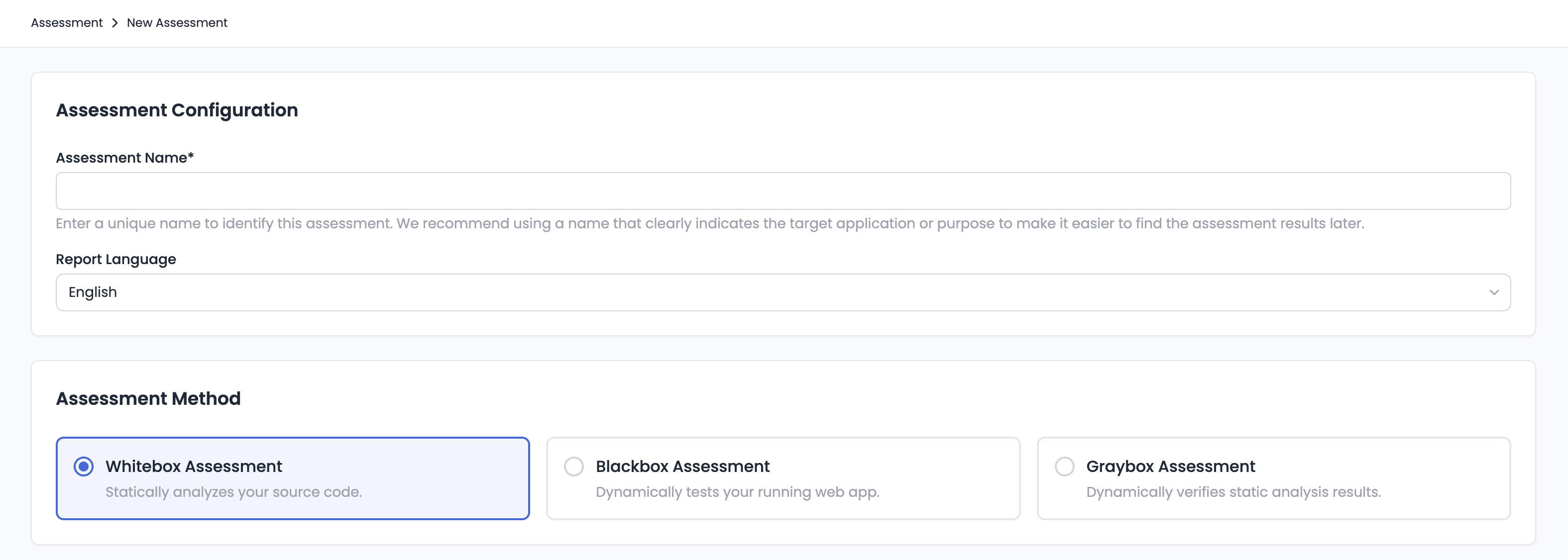
Assessment
Hand Takumi a repository or a target URL, and it autonomously reviews the application feature-by-feature, perspective-by-perspective. You can get the kind of coverage a manual security engineer would produce, but in a fraction of the time — and you can chain the findings into Autofix to generate the fix Pull Request automatically.
Takumi Guard
Takumi Guard is a package-registry proxy that blocks malicious package installs at install time for ecosystems such as npm, PyPI, and RubyGems. A single registry-URL change protects developer machines and CI environments, and you also get searchable install history for tracing a package whose maliciousness is discovered later.
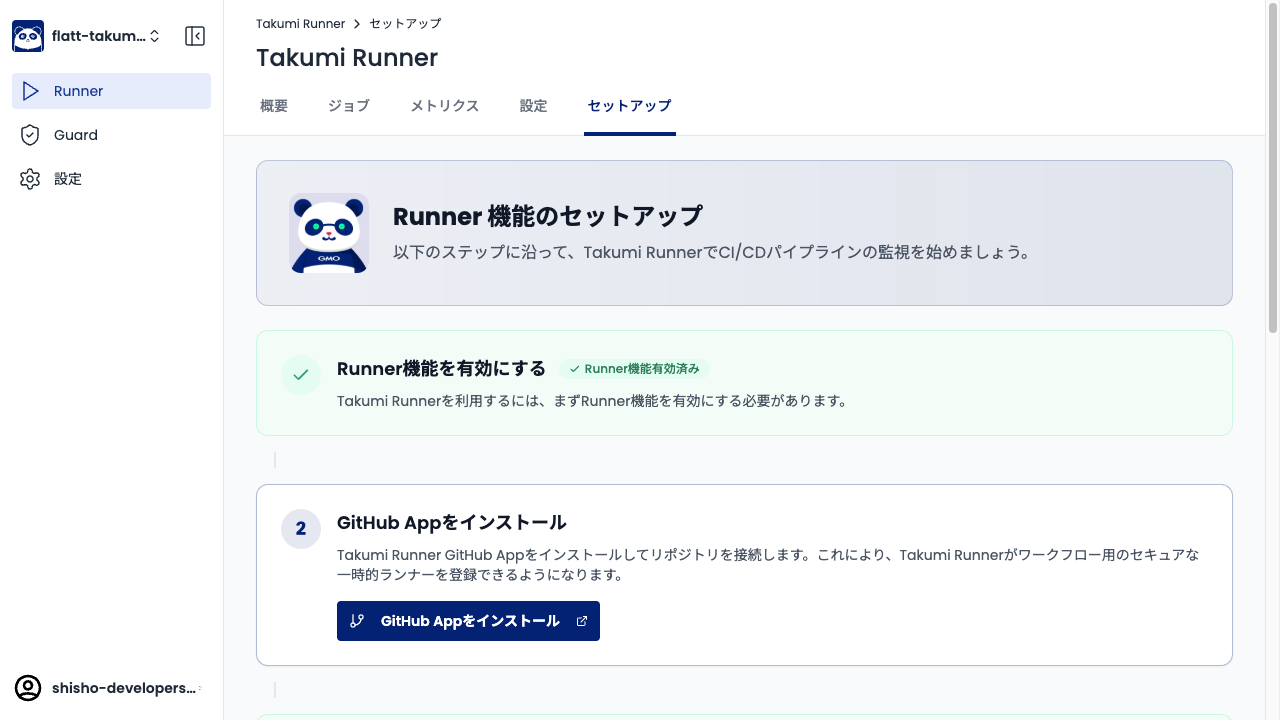
Takumi Runner
Takumi Runner is a GitHub Actions runner that traces job execution with eBPF. Switch the runs-on of a workflow and Takumi starts recording every process, network call, and file operation — useful for catching supply-chain anomalies at build time and for incident response.
Other Capabilities
Assessment includes a number of related features. Pick up whichever feels useful next:
- Periodic Assessment: Schedule recurring whitebox assessment against your default branch.
- Dependabot PR Auto-Triage: Have Takumi automatically triage dependency-update PRs.
- Autofix: Have Takumi generate fix Pull Requests for findings.
- Takumi API: Trigger Takumi from CI/CD or custom workflows over HTTP.