The app window
The English user guide is currently in beta preview. Most of the documents have been automatically translated from the Japanese version. Should you find any inaccuracies, please reach out to Flatt Security.
Click Open Takumi Agent at the bottom of the menu-bar panel to open the app window. The sidebar has three groups: Guard (Ecosystems, Containers), Device (Egress lock, Identity, Health) and General (Notifications, Help). The Device pages show the same information as the menu-bar panel with more room. The pages with their own content are described below.
There is only one window. Opening it again brings the same window to the front. While it's open, the app shows in the Dock. Closing it puts Takumi Agent back in the menu bar. Protection keeps running either way.
The app uses the Mac's language setting for Takumi Agent (English or Japanese).
Ecosystems
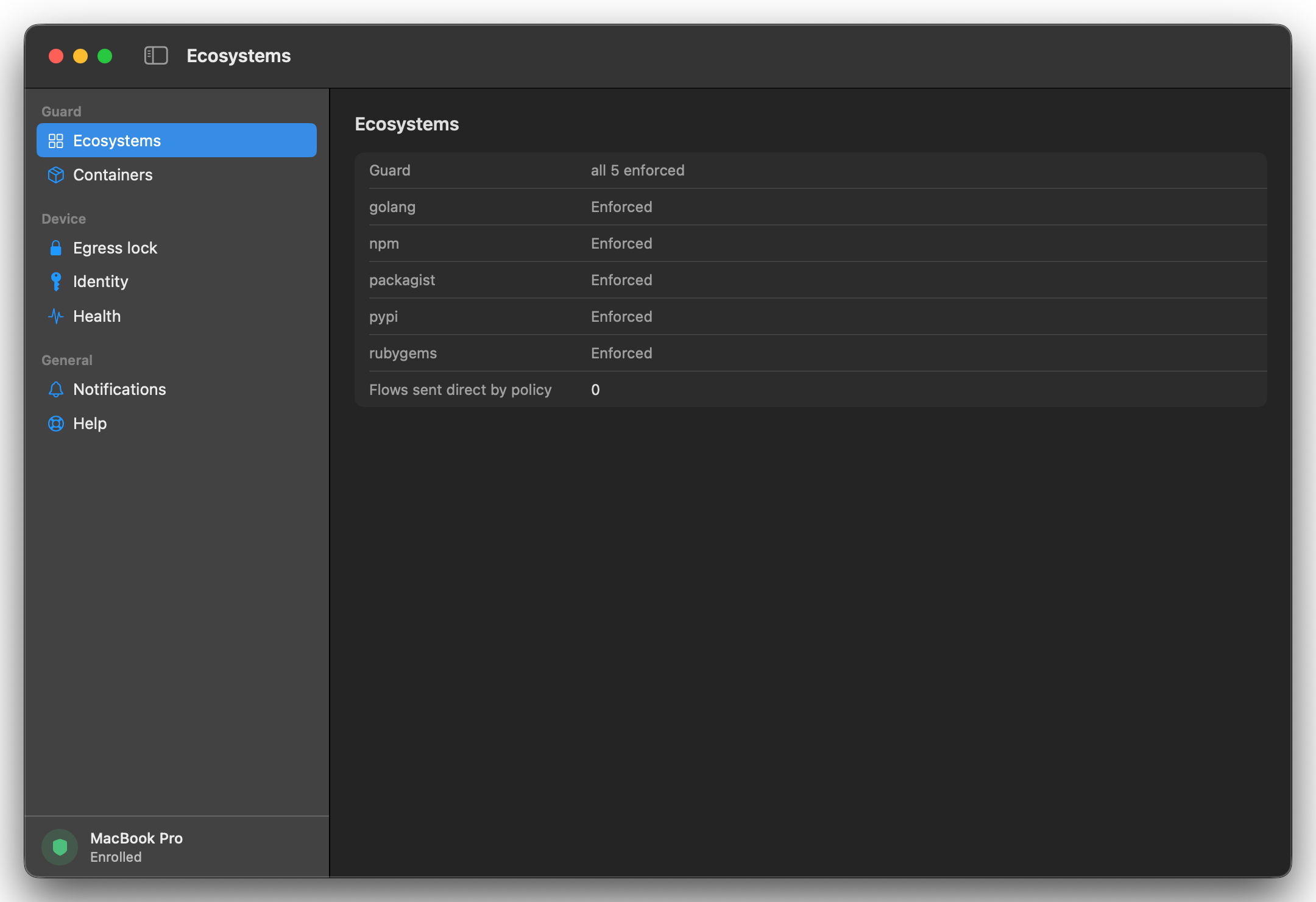
This page lists each Guard ecosystem and whether it's enforced. Below the list, Flows sent direct by policy counts connections that went straight to a registry because your organization doesn't enforce that ecosystem, since the agent last started. With every ecosystem enforced, it shows 0.
Containers
This page gives you the setup for trusting the device certificate in each container runtime on the Mac. The line at the top sums it up: "The runtime trusts the device certificate; containers inside it don't yet." Containers and VMs explains what each runtime needs, and what to commit.
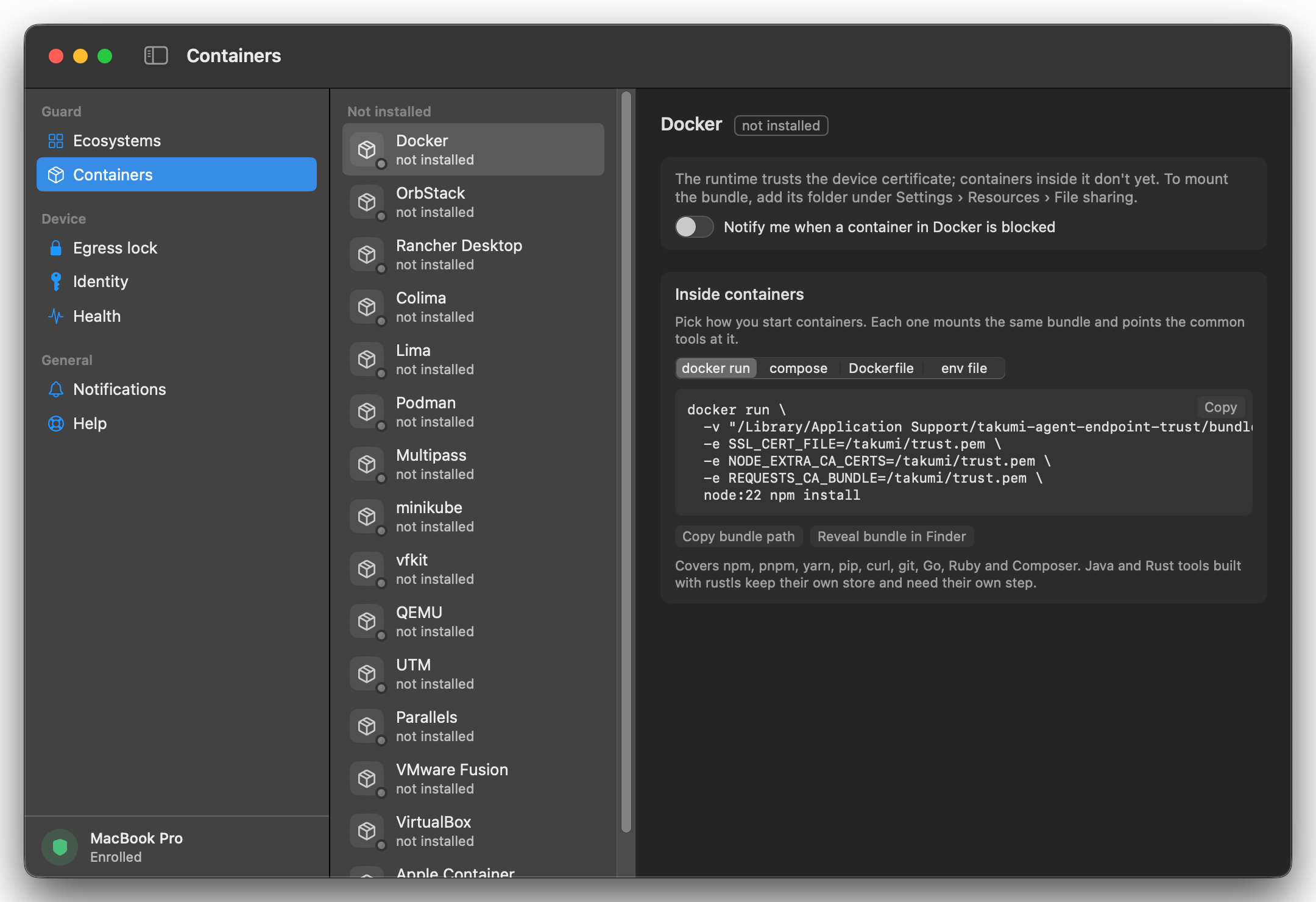
Runtimes are grouped into Blocked, Installed and Not installed. Select one to see what it needs. For a runtime that runs its own VM, Copy setup command gives you a command that installs the bundle in the VM. For a full virtual machine, Copy guest command builds a command to paste inside the guest.
Inside containers
For tools running inside a container, pick how you start containers (docker run, compose, Dockerfile or env file) and copy the snippet. Each one makes the trust bundle, /Library/Application Support/takumi-agent-endpoint-trust/bundle.pem, available at /takumi/trust.pem and points SSL_CERT_FILE, NODE_EXTRA_CA_CERTS and REQUESTS_CA_BUNDLE at it. For your own tooling, use Copy bundle path and Reveal bundle in Finder under the snippet.
The bundle only exists on Macs with Takumi Agent, so keep these snippets out of files your team commits. Keep the setup out of your repository shows where each one goes.
Notifications
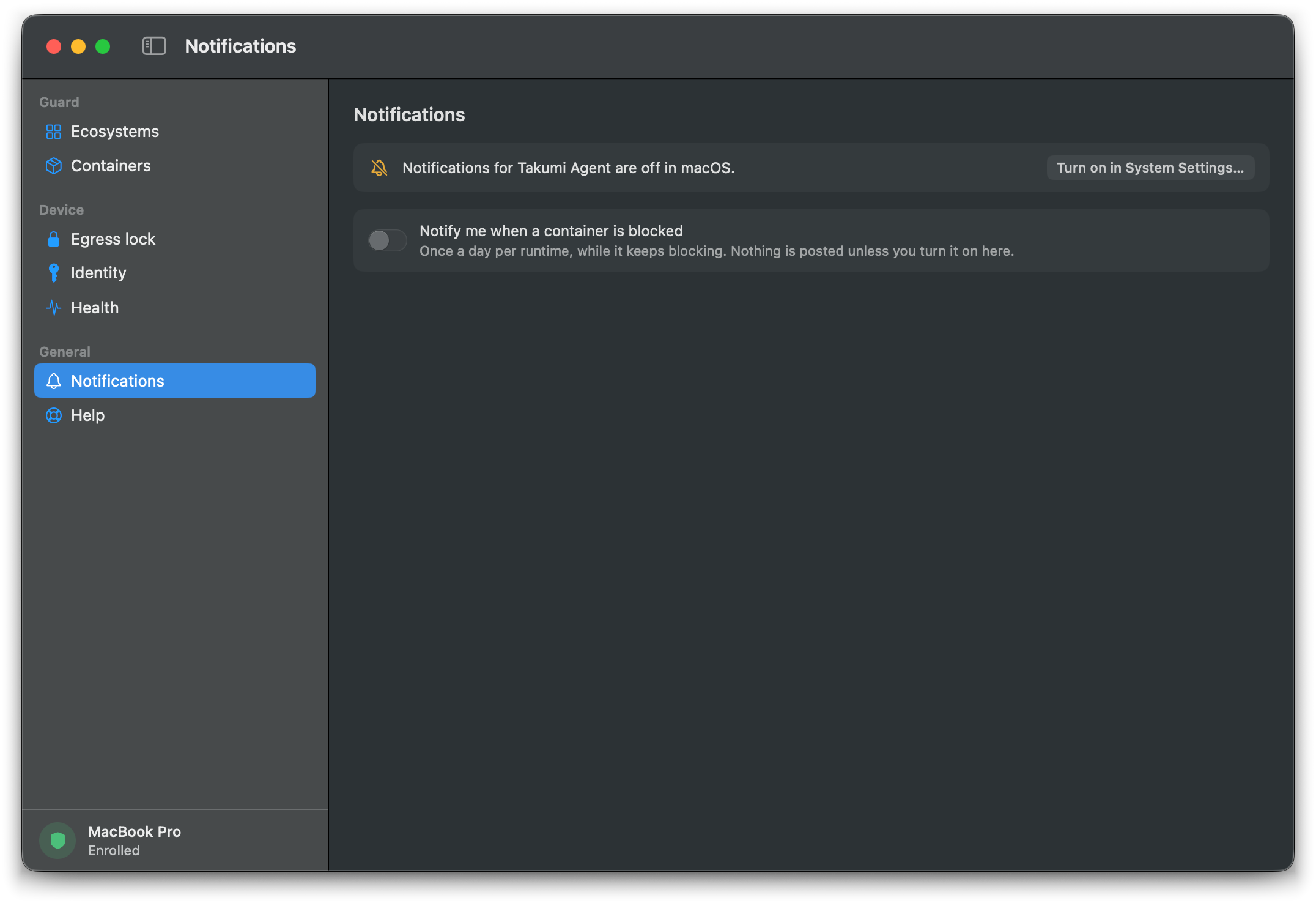
Takumi Agent can show a macOS notification when a container is blocked. This is off by default. Nothing is shown unless you turn it on here.
- You get one notification a day per runtime, while it keeps blocking. Its Container trust… button opens the Containers page.
- The top switch turns notifications on or off for every runtime on the Mac. Below it, each installed runtime has its own switch. The same switch also appears on that runtime's card on the Containers page.
- The banner at the top shows whether macOS allows notifications, with an Allow notifications… button if macOS has never asked, or Turn on in System Settings… if notifications are turned off in System Settings.
The red "This Mac is not protected" notification is separate and doesn't need to be turned on here. See Device states.